Apple Pushes Critical Security Alerts to Devices Running iOS 17 and Earlier, Warning Users About Cyberattacks
Apple has begun sending lock screen notifications to iPhones and iPads running older versions of iOS and iPadOS, directly alerting users that their devices are exposed to ongoing cyberattacks. These system-level pop-ups from the "Settings" app appear as "Critical Software Notifications," explicitly stating that Apple "is aware of attacks targeting outdated iOS software, including the version on your iPhone," and urging users to install critical updates immediately to protect their devices.
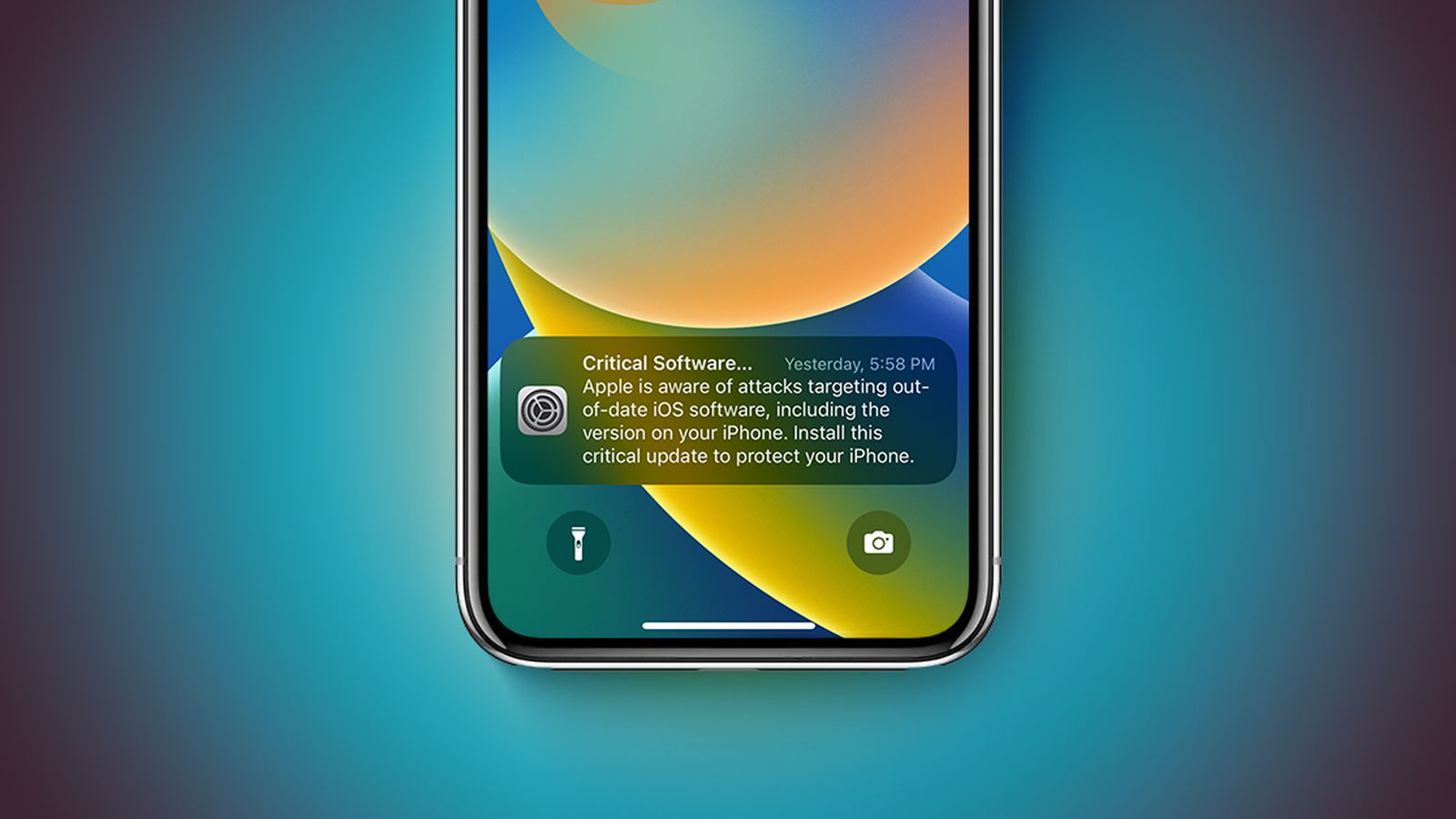
Currently, relevant prompts have appeared on multiple older system devices, covering several versions including iOS 17.0, far exceeding the iOS 13 and iOS 14 devices previously named in Apple's official support documentation.
According to Apple's explanation in its support documentation, the recent exposure of various hacking tools that can effectively attack older systems is the direct cause of this round of alerts. Attackers are using iOS exploit kits called "Coruna" and "DarkSword" to attack devices running iOS 13 to iOS 17.2.1, exploiting known security vulnerabilities to gain access. On unpatched devices, simply clicking on malicious links or visiting compromised websites could lead to personal data theft. Apple emphasizes in the notification that if an iPhone is not running the latest system version, users should upgrade as soon as possible via "Settings → General → Software Update" to prevent data from falling into the hands of attackers.
To address the risks associated with the Coruna exploit kit, Apple released iOS 15.8.7 and iOS 16.7.15 and corresponding iPadOS updates on March 11th, patching the relevant security vulnerabilities. The company states that devices running iOS 15 and later, and updated to the latest available version (up to iOS 26), are already protected against these attacks. In contrast, if a device remains on iOS 13 or iOS 14, users must first upgrade to iOS 15 to receive these security fixes and protections. This means that users who continue to stay on older system versions have a significantly higher level of risk exposure than those who have completed the update.
Apple points out that over the past few months, as relevant vulnerabilities have been discovered, the company has gradually completed patching through multiple system updates. Therefore, as long as the device is running the latest available iOS version for it, the currently circulating malicious websites and links will be ineffective. The Apple Safe Browsing feature, enabled by default in the Safari browser, also works in the background to automatically block malicious domains identified as attack vectors, further reducing the chance of being compromised. However, for users who are temporarily unable to upgrade due to device age or other reasons, Apple recommends enabling "Lockdown Mode" when possible to increase protection against malicious web content.
Lockdown Mode is currently available in iOS 16 and later versions and is an extreme protection option launched by Apple for high-risk users (such as those who may be targeted by sophisticated persistent attacks). When enabled, the system significantly restricts certain advanced features and network behavior, reducing the potential attack surface, thereby increasing overall security at the cost of some limited experience. In this round of attacks targeting older versions of iOS, those users who are temporarily unable to update but are concerned about network threats have become a key audience for Lockdown Mode.