Windows 11 File Explorer to Get Speed Boost, Dark Mode Fixes & New Archive Support
Microsoft is preparing a major update for Windows 11's File Explorer, focusing on improving performance, completely resolving the "white flash" issue, enhancing archive support, and improving the stability of the File Explorer process. This improvement is seen as a typical example of Microsoft returning to a route of "core functionality optimization," as it directly optimizes the widely used file management component rather than further expanding AI features like Copilot.
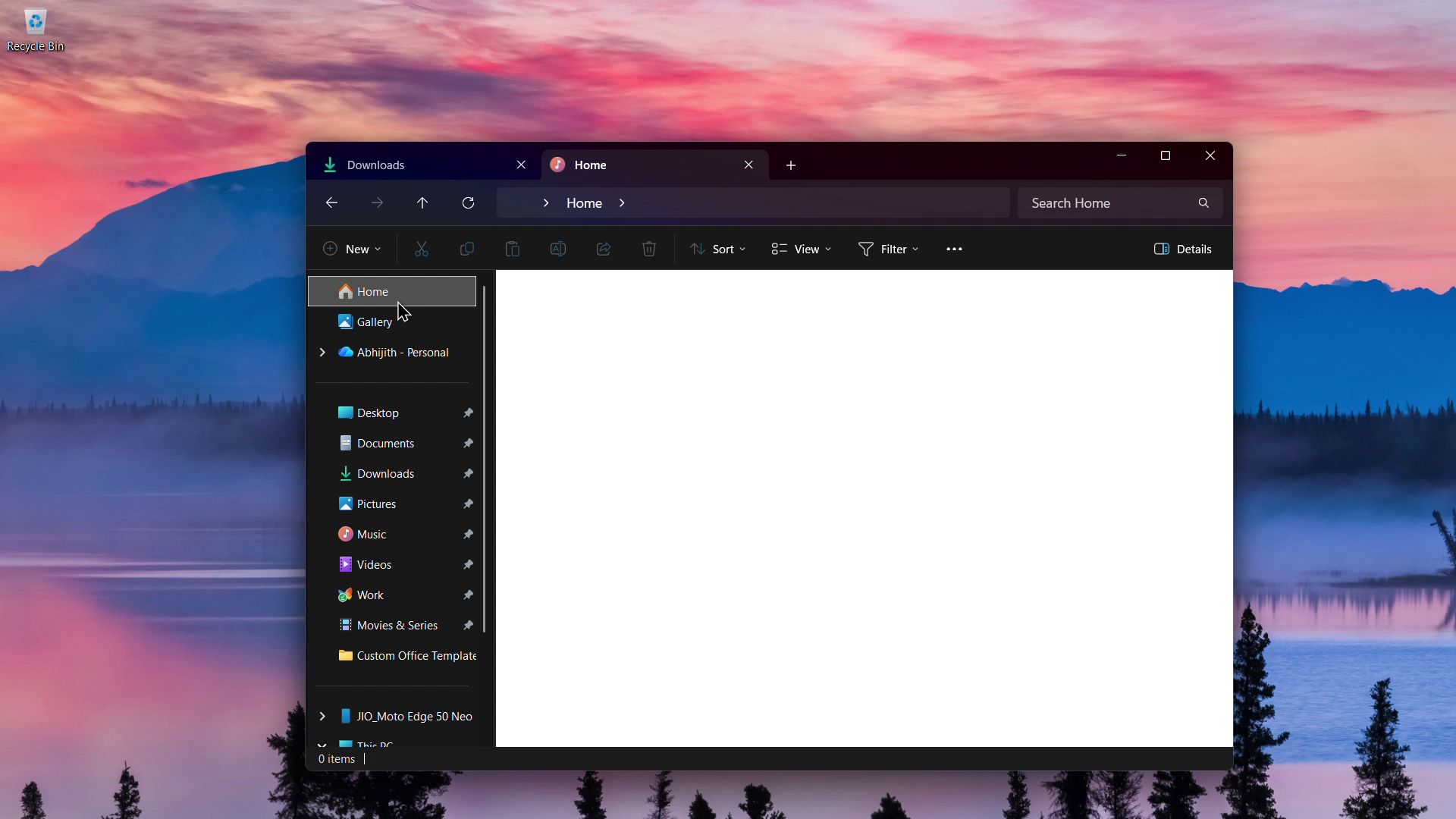
In Windows 11 build 26200.8313, pushed to Release Preview Channel testers, File Explorer has become noticeably "lighter," especially with faster loading speeds when opened for the first time after system startup. Testers have observed that this performance boost does not rely on the previously mentioned "preload" mechanism, but rather on optimizations Microsoft has made to File Explorer itself at the code and theme processing levels, allowing even low-configuration hardware to feel more responsive.
The long-standing "white flash" issue that has plagued Windows 11 dark mode users has also been fixed in this update. Previously, when File Explorer opened "This PC" in dark theme or switched folders, the interface would briefly flash a white background; a similar phenomenon also occurred when adjusting the size of the details pane. In version 26200.8313 and higher, these white flashes have almost disappeared, making the overall visual experience in dark mode more unified and stable.
In addition, Microsoft has added support for multiple compression formats to File Explorer, allowing users to directly right-click on files such as cpio, uu, xar, and nupkg (NuGet packages) to quickly extract the contents, without relying on third-party tools. The company says that more compression format support will be added in future versions and continue to optimize File Explorer's performance.
In terms of stability, Microsoft has also strengthened control over behaviors related to the explorer.exe process. In the past, closing File Explorer windows or restarting them sometimes caused the taskbar and system tray pop-up interface to crash or freeze; this update will make these operations more reliable, thereby improving the overall system stability of Windows 11. Microsoft has also confirmed that unpinning items from File Explorer's "Quick Access" has become more stable, and the interaction experience with the Action Center and Task View has also been improved.
On the functionality level, the update also introduces several small but practical improvements. Users can now directly preview files downloaded from the internet in File Explorer using the "Preview even if risky" option, and the icon for the search unit has also been made consistent with the visual style of other parts of Windows 11. Another important fix is that previously, if a user customized the icon size or sort order in a folder, but accessed the same path from another application (such as Microsoft Edge), the system would ignore these settings and revert to the default; this issue has been resolved in the new version, and folder view preferences will be retained when accessed across applications.
The above improvements are currently being rolled out to insiders in version 26200.8313, but Microsoft says that all changes will be gradually rolled out to ordinary users with the optional update in April 2026. If users do not install the monthly optional update, these optimizations (including a faster File Explorer and a more stable folder view) will also be officially pushed in the "Patch Tuesday" patch update in May 2026, which is scheduled to begin rolling out in batches at 10 AM (Pacific Time) on May 12th.