Microsoft Launches Copilot Agent Mode in Word, Excel, and PowerPoint
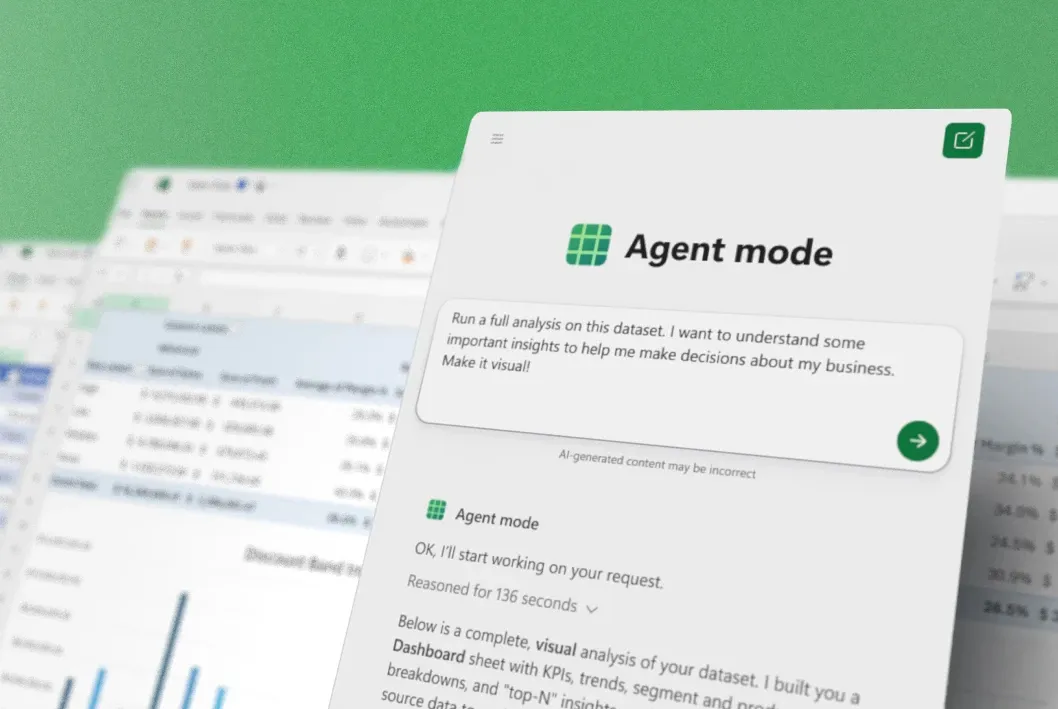
Microsoft has begun rolling out a new Copilot "Agent Mode" in Office applications like Word, Excel, and PowerPoint this week. Previously known internally as "vibeworking," this feature is an enhanced version of the Office Copilot experience that Microsoft is heavily promoting to businesses. Agent Mode is now the default experience for Microsoft 365 Copilot and Microsoft 365 Premium subscribers, and is also available to Mi
Microsoft Corporate Vice President of the Office Product Group, Sumit Chauhan, stated that when Copilot was initially launched, the underlying large language model's capabilities were not yet sufficient to allow Copilot to truly "command" Office applications to operate. At the time, Copilot was more like a passive assistant within documents, able to answer questions but struggling to directly perform operations on the document canvas, often falling short when users asked it to make specific edits. Over the past year, the model has made "substantial leaps" in instruction understanding, reasoning ability, and overall quality, and is now able to reliably complete multi-step edits while maintaining an accurate grasp of user intent.
The Agent Mode launched this time is designed based on the above progress to better execute user commands and editing operations in documents, spreadsheets, and presentations. In this mode, users can not only ask Copilot to modify content using natural language, but also see Copilot's every step in the document in real-time through the sidebar. In Excel, Agent Mode can directly add or modify formulas within the workbook, generate and adjust data tables, and more. In PowerPoint, it can supplement existing presentations with the latest information while maintaining the company's existing template and layout styles.
Microsoft is setting these new Copilot features as the default experience for Microsoft 365 Copilot and Microsoft 365 Premium subscriptions, meaning that business and advanced users will directly enter this more "proactive" intelligent agent mode when using Office in their daily work. At the same time, Microsoft 365 Personal and Family users can also use Agent Mode to experience stronger AI collaboration capabilities in their daily document, data, and presentation processing tasks.