Microsoft Finally Cleans Up Windows 8 Legacy UI: Old Loading Animation Replaced
Microsoft has replaced the login/logout/restart loading animation, which has been used since Windows 8, in the latest Windows 11 Dev Channel Preview Build 26300.8289. The new animation is consistent with the loading indicator that appears when Win11 starts up, replacing the 14-year-old rotating circle.
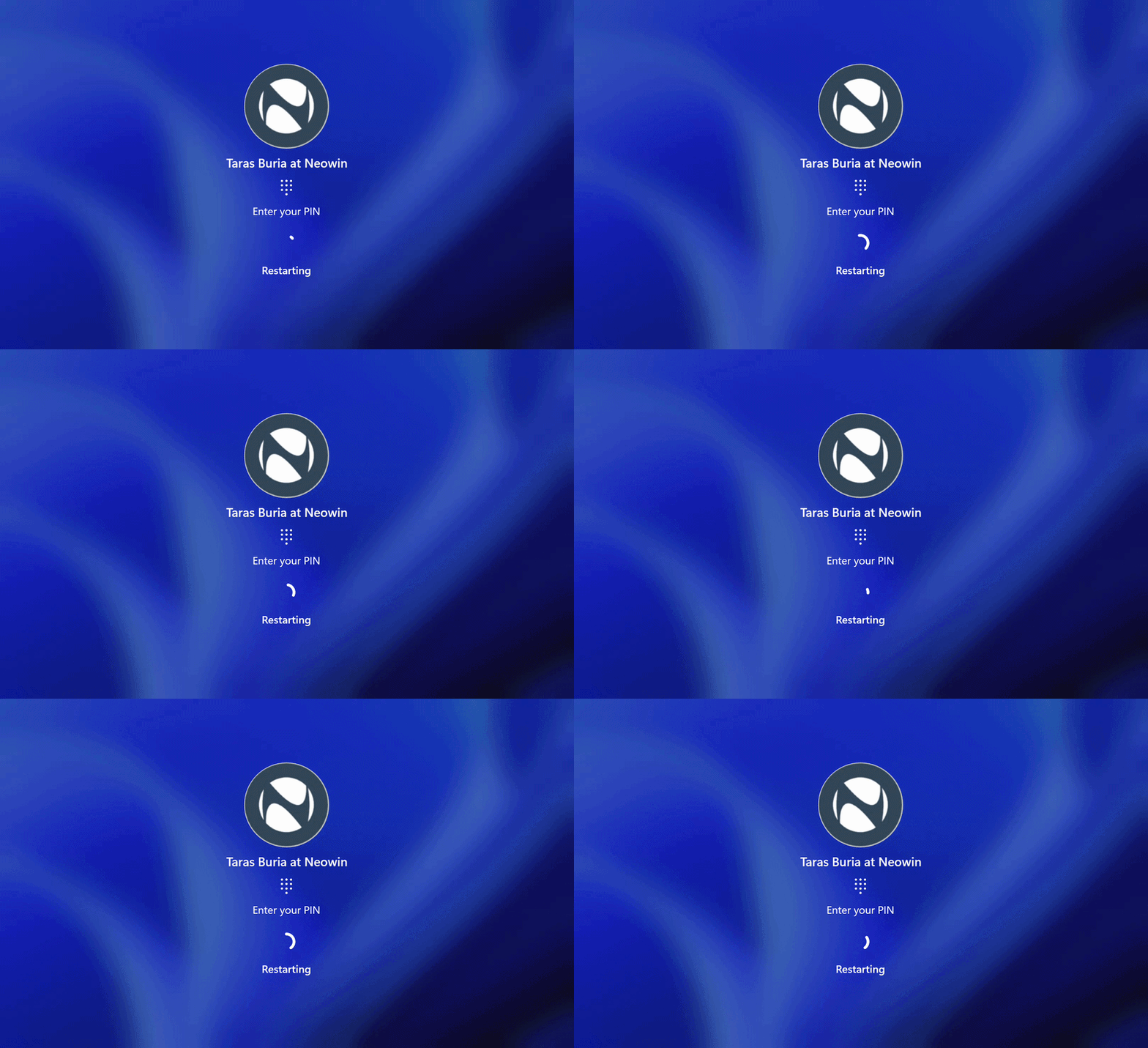
This change has not been officially announced yet and requires manual enabling through the ViVeTool. The steps are as follows:
Download and extract ViVeTool from GitHub, open the command prompt as an administrator and navigate to the ViVeTool directory, enter vivetool /enable /id:59728252, and then restart your computer to experience it.
Old Animation
Windows 8 featured a major overhaul of the system UI when it was released in 2012, but some legacy elements remained in Win11 until now.
Microsoft has been pushing for a more modern interface for Win11 in recent years, and replacing the loading animation is a small step towards improving UI consistency.
Currently, Microsoft's Win11 fix list also includes higher-priority items such as Windows Update improvements, new taskbar features, a faster File Explorer, a clearer Insider Program, and more stable update delivery.